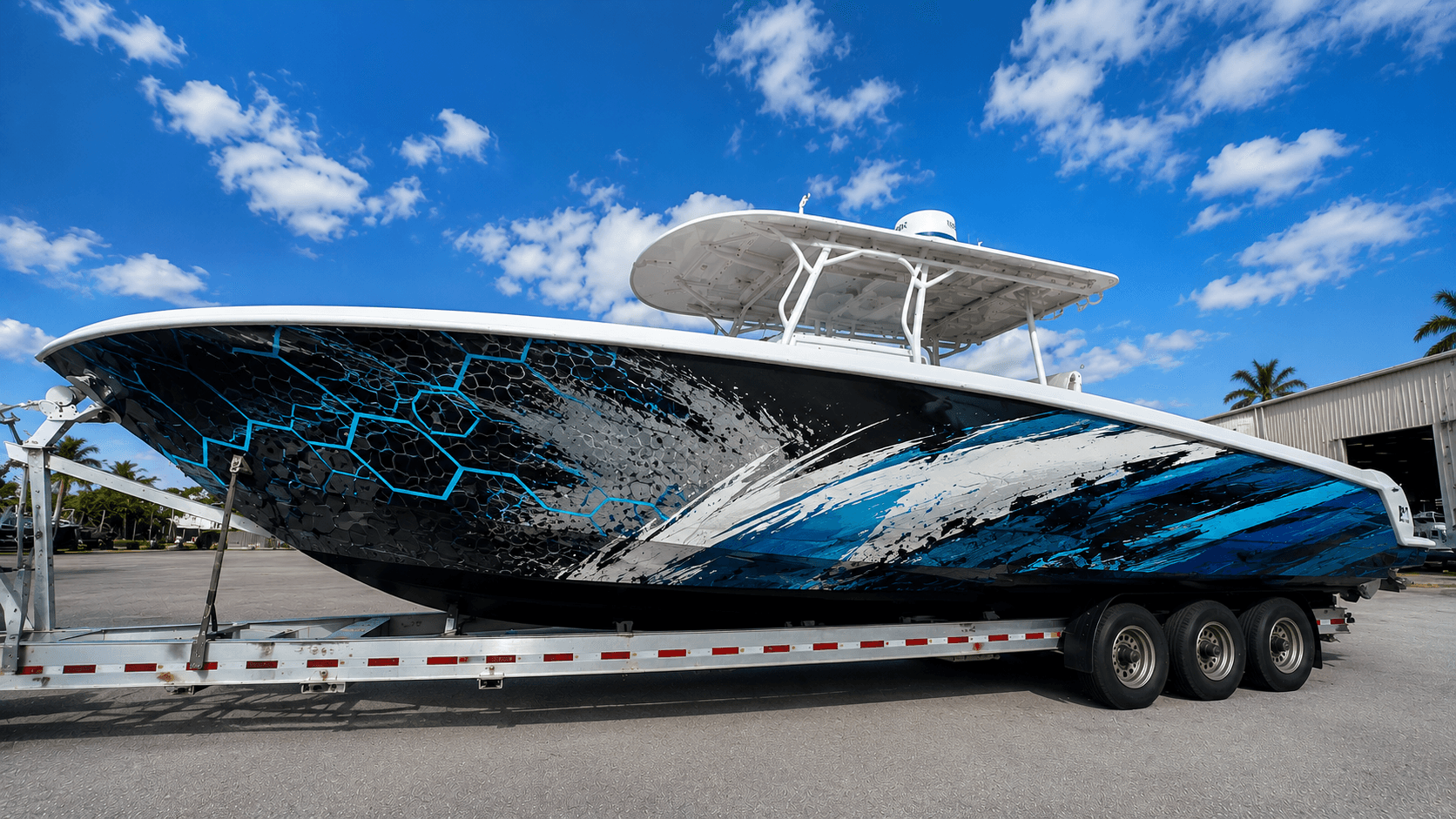
The quality of your wrap starts with the files you send. A sharp logo on a business card can look blurry when printed several feet wide on a hull. Sending the right artwork from the start saves time and helps the final graphics look crisp.
Vector files are best for logos#
Vector files use shapes rather than pixels, so they can be enlarged without losing quality. Common vector formats include:
- AI (Adobe Illustrator)
- EPS
- PDF saved with vector content
- SVG
If your logo was made by a designer, ask them for a vector version.
Raster files for photos#
Photos and some artwork are raster images, made of pixels. These need high resolution to print well at large sizes. A small image from a website or social media usually isn't enough. Our image resolution guide explains this in more detail.
Brand colors#
If your brand uses specific colors, send the color references, such as Pantone or other color codes. This helps the printer match as closely as possible. Remember that printed vinyl may not exactly match paint, screens, or other materials. Ask for a printed sample if color is critical.
Fonts#
If your design uses specific fonts, send the font files or convert text to outlines in the artwork. This prevents fonts from changing when the file is opened on another computer.
What to avoid#
- Logos copied from websites
- Screenshots of designs
- Files with text embedded in low-resolution images
- Artwork with spelling errors
Check everything before sending.
Using images you didn't create#
If your design includes photos or artwork from someone else, make sure you have permission to use them. Our licensing guide explains the basics.
What if you don't have good files?#
If your logo only exists as a low-quality image, a designer may be able to recreate it as a vector. This adds time and cost, but it's often worth it for a large wrap.
Sending files#
Large files can be shared through file transfer services. Label files clearly and include a short note explaining what each file is for.
Get started#
Our custom boat wraps service can help prepare artwork. See our proofs guide for what happens next.
Frequently asked questions#
Can I just send a JPG of my logo?#
You can, but a low-resolution JPG may print blurry at large sizes. A vector file is much better for logos.
What if my logo has a white background?#
Vector logos usually don't have a background, which makes them easier to place on any color. A raster logo with a white box around it may need to be cleaned up first.
Do I need to send the fonts?#
If text is part of the design, either send the fonts or convert the text to outlines so it doesn't change when the file is opened elsewhere.